Applications for Free Satellite Wi-Fi
Applications for Free Satellite Wi-Fi
Finding an available connection can make all the difference when your data plan runs out or when you're far from home. That's why many people search for a... free satellite Wi-Fi app, looking for a practical way to access the internet via mobile phone and continue using their favorite services.
Before downloading, it's important to understand how these technologies work. Apps for finding Wi-Fi help locate available networks, but they don't turn your phone into a satellite internet antenna. In this article, you will learn about... WiFi Map, You will understand its features and discover how to find a free connection more easily.
Is there a free satellite Wi-Fi app?
Installing a Wi-Fi map app isn't enough to receive free internet directly from satellites. These apps function as lookup tools: they show locations where a network connection might be available.
Satellite internet uses its own infrastructure, with compatible equipment and services. In this type of installation, the connection may reach an antenna and then be distributed by a Wi-Fi router. The mobile phone connects to the router, while internet access depends on the service contracted or provided by the location's owner.
Thus, an establishment can offer free Wi-Fi to visitors and use satellite internet as its primary connection. In this case, the free service is offered by the establishment, and not created by an app installed on the phone.
What is the difference between Wi-Fi, GPS, and satellite internet?
- Wi-Fi: Allows you to connect your mobile phone to a nearby wireless network.
- GPS: It helps the device identify its location using satellite signals, but it does not provide internet access.
- Satellite internet: It uses satellites to transport data through compatible services and equipment.
Understanding this difference helps in choosing the right tool and avoids the expectation that a simple download will provide unlimited internet anywhere.
WiFi Map: App to Find Free Wi-Fi
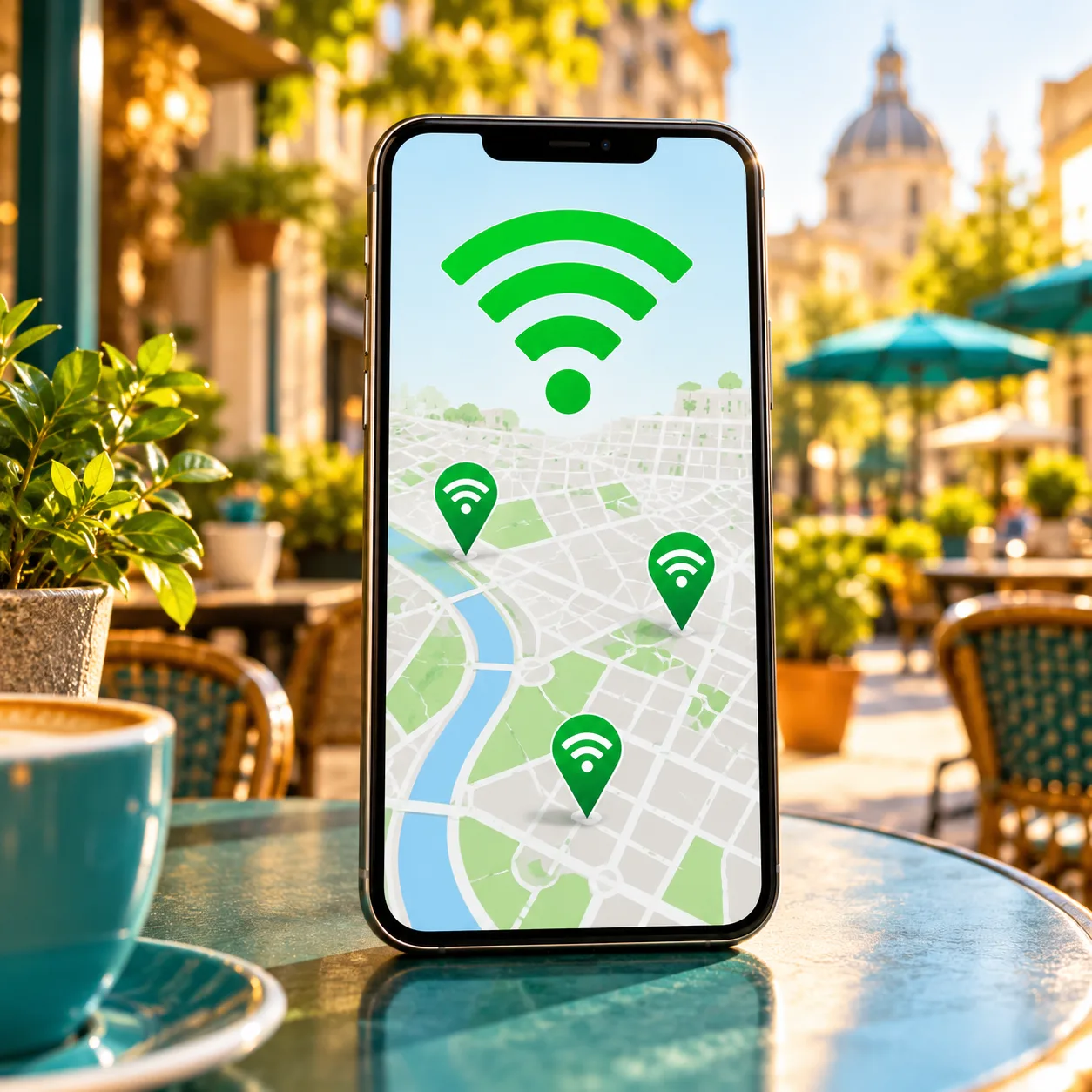
THE WiFi Map It gathers information about Wi-Fi hotspots shared by the community. Its purpose is to make it easier for users to find locations where they can access the internet, by consulting a map on their mobile phone.
For those looking for a free satellite Wi-Fi app, it represents an alternative for a more practical need: discovering where to find an available connection nearby. However, the app does not offer its own satellite connection.
Wi-Fi hotspot map
The map allows you to view registered points of interest and see their location. This can help you plan a stop to access the internet, especially when you are in an area you are not yet familiar with.
The presence of a point on the map does not guarantee that the network is functioning at that moment. The establishment may have changed its access conditions, ceased operations, or modified the connection data.
Information shared by the community
Users contribute information about networks, including access data when shared. Since this information can change, it's advisable to check the local guidelines before attempting to connect.
Offline map lookup
The app also has offline map features. Depending on the conditions available in the version being used, it is possible to download a region in advance and consult the registered points even without an internet connection.
An offline map doesn't mean offline internet: This feature allows you to view saved information. To browse, you still need to reach an active network and complete the connection.
How to Download and Use WiFi Map
Ideally, you should prepare the app while you still have internet access. This makes it easier to check its features and organize your search for a network before you leave.
1. Access the official mobile phone store.
Open Google Play on Android or the App Store on iPhone and search for WiFi Map. Check the app name and developer information to avoid accidentally installing a different option.
Also read the description of the version available for your device. Features, requirements, and subscription conditions may change.
2. Check the requested permissions.
To show nearby places, the app may request access to your location. Review the request and choose the permission that makes sense for your use, such as allowing location access while using the app.
If you prefer to search for a different destination, look for the search options on the map. This can be useful for planning a trip or checking out a region before you arrive.
3. Look for points of interest near your destination.
Explore the map and check the registered locations. Note the distance and consider whether the establishment is open and allows visitors.
A Wi-Fi network within a hotel, for example, might be intended only for hotel guests. Similarly, a café might offer Wi-Fi only to its customers.
4. Confirm the access conditions.
Upon arrival, confirm with the staff which is the correct network and whether access is available. If a password is required, use only the credentials provided or authorized by the establishment.
Some connections also require accepting terms of use on a welcome page before allowing browsing.
5. Connect your cell phone to the network.
Open your device's Wi-Fi settings, select the confirmed network, and follow the instructions. Then, test the connection by opening a webpage or sending a message.
If that doesn't work, check if there's a pending authentication screen or ask the person responsible for access for guidance.
Is WiFi Map completely free?
The app offers free access with limitations and may also feature paid subscriptions or features. Before activating a function, check if it requires payment, a trial period, or automatic renewal.
It's also important to separate the cost of the app from the conditions of the network found. A registered point may belong to an establishment with its own rules, including restricted access for customers.
Therefore, do not consider all points on the map as a guarantee of free and unrestricted internet access for everyone.
When can a Wi-Fi finder app help?
When the data packet ends
If your data allowance expires before renewal, finding an authorized access point can help with specific tasks, such as looking up information or talking to someone.
To make this easier to use, it's worth knowing in advance about nearby places that offer internet access to visitors.
During walks and trips
In an unfamiliar city, knowing where to find internet access can make organizing your day much easier. Before leaving, also save the address of your accommodation and other important information.
This preparation reduces the need to find a network immediately upon arrival at the destination.
To save mobile data
A reliable connection can be useful for downloading files or updating apps without using up your mobile data allowance. Before starting a larger download, confirm that the network allows this type of usage.
Also consider that a shared network can become slow when many people are connected at the same time.
How to Search for Wi-Fi More Safely
When using a network outside your home, certain precautions can help avoid incorrect connections and protect your information.
- Confirm the network name: Ask the establishment which connection should be used.
- Please respect the access rules: Connect only to public or authorized networks.
- Check authentication pages: Assess whether the requested information is relevant to the service offered.
- Keep your device updated: Install any available security updates for your system and applications.
- Disable automatic connection when necessary: Prevent your phone from reconnecting to an unknown network without you noticing.
- Prioritize a trusted connection for sensitive operations: especially when you need to access financial information or personal documents.
If a login page prompts you to install an unknown file, stop the process and confirm the instructions with the person in charge of the site.
How does Wi-Fi from a satellite connection work?
In a satellite internet setup with Wi-Fi distribution, compatible devices receive the connection and provide a local network for other devices. For the mobile phone user, access typically occurs through Wi-Fi settings, just like on other networks.
The difference lies in the method used to bring the internet to the location. The fact that the main connection uses satellites does not mean that it is free, nor that anyone nearby can use it without authorization.
If a guesthouse, residence, or other establishment provides this access, you will need to follow the conditions set by the owner. An app to locate networks does not replace the equipment or the need to contract the service.
Frequently Asked Questions About Free Satellite Wi-Fi App
Does WiFi Map connect your phone directly to a satellite?
No. It helps find information about Wi-Fi hotspots. The phone connects to a nearby available network, depending on the access conditions at that location.
Can a cell phone's GPS provide free internet?
No. GPS helps determine the device's location. Receiving location signals is not the same as receiving an internet connection.
Is it possible to use the app without mobile data?
Offline features may allow you to access previously downloaded information. Availability and conditions should be checked in the app. An active internet connection is still required to access websites and online services.
Can the app discover the password for any network?
No. Shared information about access points does not represent the ability to discover any password. Private networks should only be used with authorization.
Does every registered hotspot offer free internet access?
There is no guarantee of this. Conditions may change, and access may be restricted to clients, guests, or other authorized users. Please confirm the rules on-site.
Could a network that has been found use satellite internet?
Yes, that's possible if the person in charge of the location uses that type of service. However, registering a Wi-Fi hotspot doesn't, in itself, prove which technology provides internet to that network.
Is it possible to access the internet without a carrier signal?
Yes, if there is an active Wi-Fi network within range and you have permission to use it. This depends on network availability and the connection available at the location.
Conclusion
If you searched for a free satellite Wi-Fi app, The first step is to understand what each tool actually offers. Network locator apps can help in the search for internet access, but they don't create a direct, free connection to satellites.
THE WiFi Map This can be useful for checking registered hotspots and planning where to look for a connection. Before using, check the available features, access conditions, and authorization from the network administrator.
Want to learn more about the app? Access the official WiFi Map website And check out the options available for your mobile phone.